I Let Claude Code Scaffold My Entire Node.js API — Here’s Where It Silently Failed
Introduction
AI coding assistants have made an extraordinary promise: give me a prompt, and I’ll build your project. No setup headaches. No hours lost in documentation. Just describe what you want, and watch it appear.
So I decided to put that promise to the test.
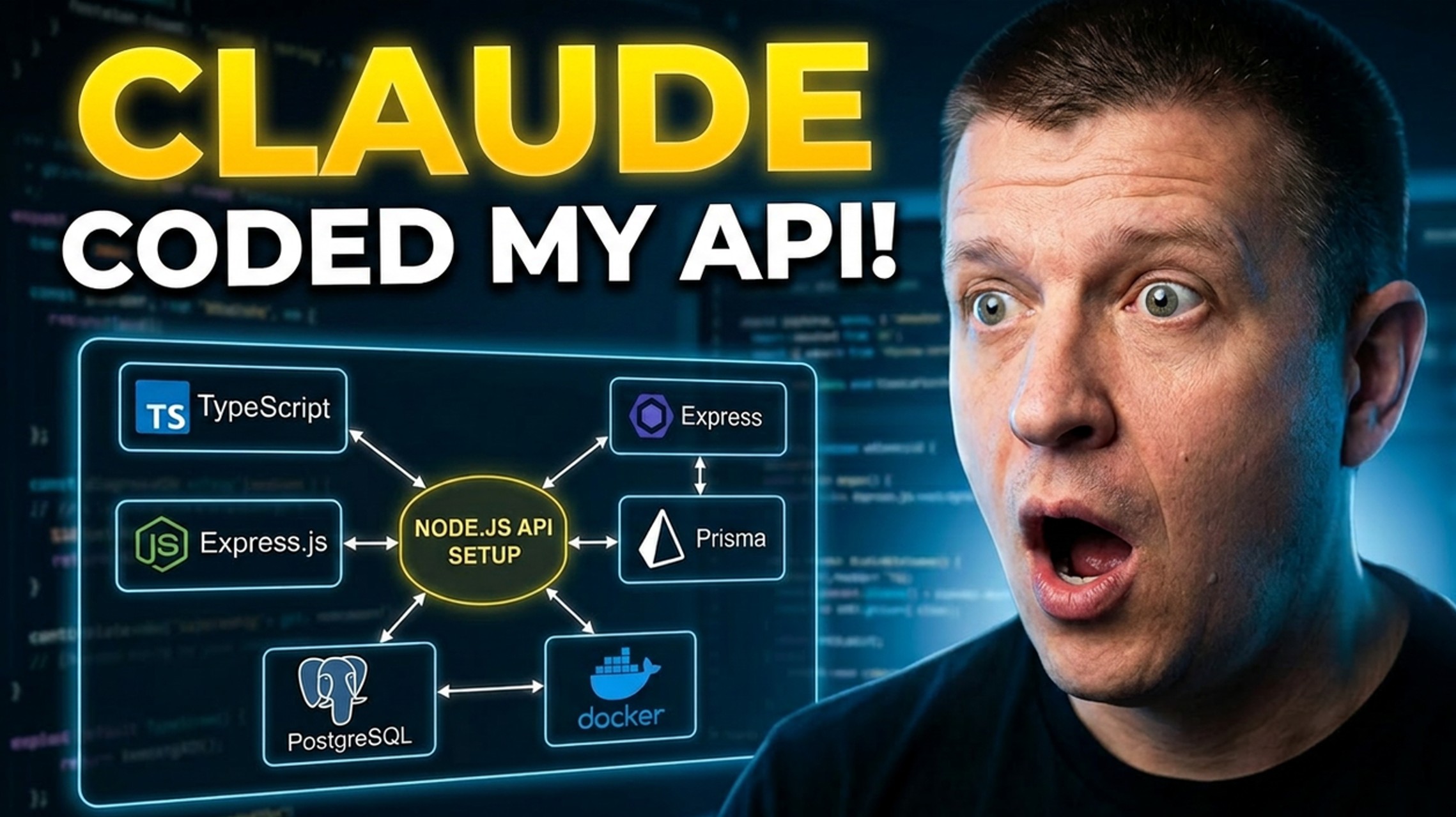
Using Claude Code — powered by Anthropic’s Opus model — I wrote a single detailed prompt asking it to scaffold a complete, production-ready Node.js TypeScript API. The stack was clearly defined: Express, PostgreSQL running in Docker, Prisma ORM, ESLint, Prettier, Jest with TypeScript, and a set of npm scripts for building, running, testing, and migrating.
I even enhanced Claude Code with two plugins — Superpowers for advanced coding workflows and Context7 for real-time documentation lookup.
The result was fascinating. And not entirely in the way I hoped.
The Setup: What We Asked Claude Code to Build
Before running the prompt, the project requirements were clearly defined:
- Node.js + TypeScript — because there’s really no excuse not to be using TypeScript at this point
- Express.js — as the web framework
- ESLint + Prettier — for code quality and consistent formatting
- Jest — for testing, written entirely in TypeScript (not JavaScript)
- PostgreSQL — running in a Docker container for local development
- Prisma ORM — for database communication
- CORS + Morgan — as middleware for every API
- A
/healthendpoint — with a Supertest integration test - A Post model — with a Prisma migration
- npm scripts — for
build,start,dev,test, andmigrate
This is a realistic, real-world project scaffold. Not a toy example. The kind of thing a developer would actually want to hand off to an AI assistant to save time.
The Results: Impressively Structured, Dangerously Outdated
When Claude Code finished, the output looked genuinely impressive at first glance.
The project structure was clean. The files were all in the right places. The Docker Compose configuration was wired up correctly. The test was written. The migration was applied. The health endpoint returned a 200. Everything compiled.
Then I opened package.json.
The Version Problem
| Package | Installed Version | Current Version |
|---|---|---|
| Prisma | 5 | 7 |
| Express | 4 | 5 |
| TypeScript | 5 | 6 |
| ESLint | 8 | 10 |
| @types/node | 22 | 24 (LTS) |
| PostgreSQL (Docker) | 16 | 18 |
Every single major dependency was behind. Some by one version. Some by two.
Why This Actually Matters
This isn’t just a cosmetic issue. Outdated version numbers have real consequences.
The most critical example in this project: Prisma 7 requires ESM modules. But Claude Code installed Prisma 5 and configured the tsconfig.json for CommonJS. Had it correctly installed Prisma 7, the entire module system configuration would have needed to change — affecting the TypeScript config, the build pipeline, and how the project is structured from the ground up.
In other words, one wrong version decision doesn’t just mean a missing feature. It means your architectural foundation is wrong before you’ve even started.
The Bigger Picture: A Word on Anthropic’s Claims
Here’s something worth sitting with.
Anthropic has made headlines recently claiming that their latest model is too dangerous for everyday use — too capable, too powerful, reserved for researchers and safety evaluations.
And yet here we are with their next best model, Opus, unable to correctly identify the current version of Prisma, Express, or TypeScript at the time of the request. A task that a quick visit to npmjs.com would solve in seconds.
This isn’t a criticism of AI in general. It’s a calibration check. The gap between what AI models are marketed as and what they reliably deliver in real-world developer workflows is still significant — and worth being honest about.
Lessons Learned
1. AI Doesn’t Know What “Latest” Means
Models have training cutoffs. They don’t browse the internet in real time. Even with documentation plugins like Context7 enabled, there’s no guarantee the model will correctly identify the most current version of a package. Always verify manually.
2. One-Shotting Complex Setups Is a Gamble
The more moving parts in a single prompt, the more opportunities for subtle, hard-to-spot mistakes. A long, detailed prompt doesn’t guarantee a correct output — it just gives the model more surface area to get things quietly wrong.
3. Outdated Versions Are an Architectural Risk
Version mismatches aren’t just about missing features. They can change module systems, break compatibility between packages, and create cascading configuration problems that are painful to untangle later.
4. AI is a Co-Pilot, Not an Autopilot
The developers getting the most value out of AI coding tools are the ones who use them deliberately — for structure, boilerplate, and wiring — while maintaining ownership over dependency management and architectural decisions.
The Smarter Workflow
Based on this experiment, here’s the approach I’d recommend for AI-assisted project scaffolding:
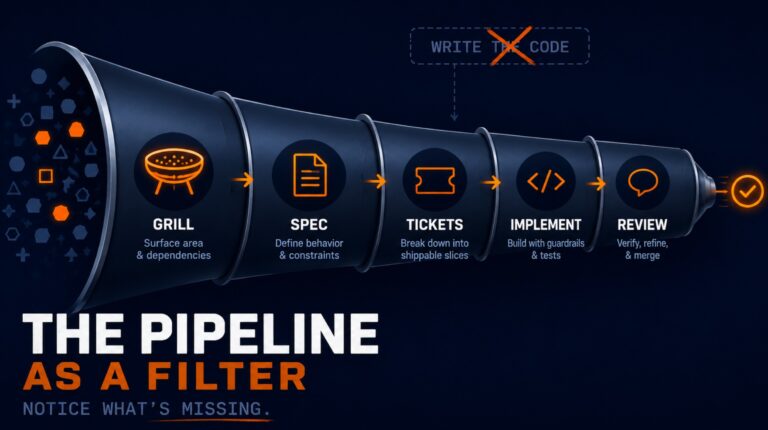
Scaffold in stages, not in one shot. Start with the TypeScript base setup. Validate it. Then add Express. Then the database layer. Then Prisma. Give the AI narrow, focused tasks rather than one massive prompt.
Specify versions explicitly in your prompt. Don’t say “install Prisma”. Say “install Prisma version 7”. Don’t assume the model knows what’s current — because as we’ve just seen, it often doesn’t.
Use AI for structure, own your dependencies yourself. Claude Code is genuinely impressive at generating project structure, writing boilerplate, and configuring tooling patterns. Let it do that — but treat package.json as something you review and own yourself.
Run a version audit before writing a single line of business logic. Cross-check every major dependency against its current release on npmjs.com. It takes five minutes and can save days of debugging compatibility issues down the road.
Key Takeaways
- Claude Code can scaffold a well-structured Node.js project quickly — but silently installs outdated dependencies
- Version mismatches aren’t cosmetic — they can break architectural compatibility (e.g., Prisma 7 requires ESM, not CommonJS)
- AI models have training cutoffs and cannot reliably identify current package versions even with documentation tools
- One-shot prompting for complex setups is high-risk — a staged, step-by-step approach produces more reliable results
- AI is most valuable as a co-pilot — use it for structure and boilerplate, but own your dependency management
Conclusion
AI-assisted development is genuinely powerful — and it’s only getting more capable. But power without accuracy is a trap, especially early in a project when the wrong foundational decision can cost you days later.
The lesson here isn’t to stop using AI coding tools. It’s to use them smarter. Know their limitations. Validate their output. And never fully outsource the decisions that the rest of your project will be built on top of.
Because a clean project structure built on outdated, incompatible dependencies isn’t a starting point — it’s a time bomb.