Claude Projects Framework: The RCFG Method
If you have a task Claude handles well but you have to re-prompt from scratch each week. That’s not a workflow — it’s a treadmill. A Claude Projects framework fixes this by turning a one-off prompt into a container that produces the same quality result every time, whether you’re running it or a teammate is. The difference between a project that works and one that quietly rots comes down to four things you write before you paste your first piece of work.
Why Consistency Breaks Without a System
A Claude project is not a folder. It’s not a chat history, and it’s not a way to organize conversations. It’s a container that makes Claude behave the same way every time you open it — regardless of how you’re feeling, how clearly you explain the task, or whether a teammate runs it instead of you.
Without a project, quality depends entirely on your prompt. A good day produces a good prompt and a good result. A busy day produces a vague prompt and a generic one. That inconsistency is fine for a task you run once. For anything you do weekly, the inconsistency itself becomes the problem you need to solve.
A project fixes this by moving your judgment out of each conversation and into the container. You write the brief once, and every chat inside the project inherits it automatically.
The Three Building Blocks of a Claude Project
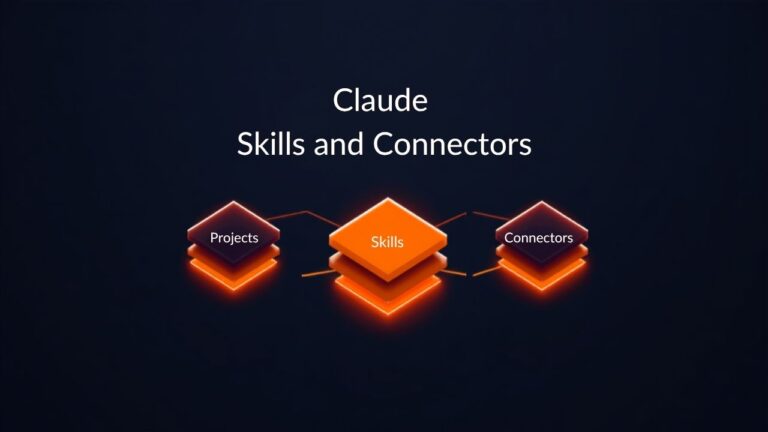
A project has three parts. Instructions are the standing brief Claude applies to every chat. Knowledge is the set of files you upload once so Claude can reference them in any conversation. Chats are the individual runs, each starting from the same foundation.
Most people get this backwards. They spend their time uploading documents and writing a one-line instruction like “help me write status reports,” then wonder why the output still varies. Knowledge files are the easy part — upload them once and they’re done. The instructions are where the real leverage sits. A weak brief gives Claude a task. A strong brief gives it a role, a context, a format, and limits, so the tenth output looks like the first.
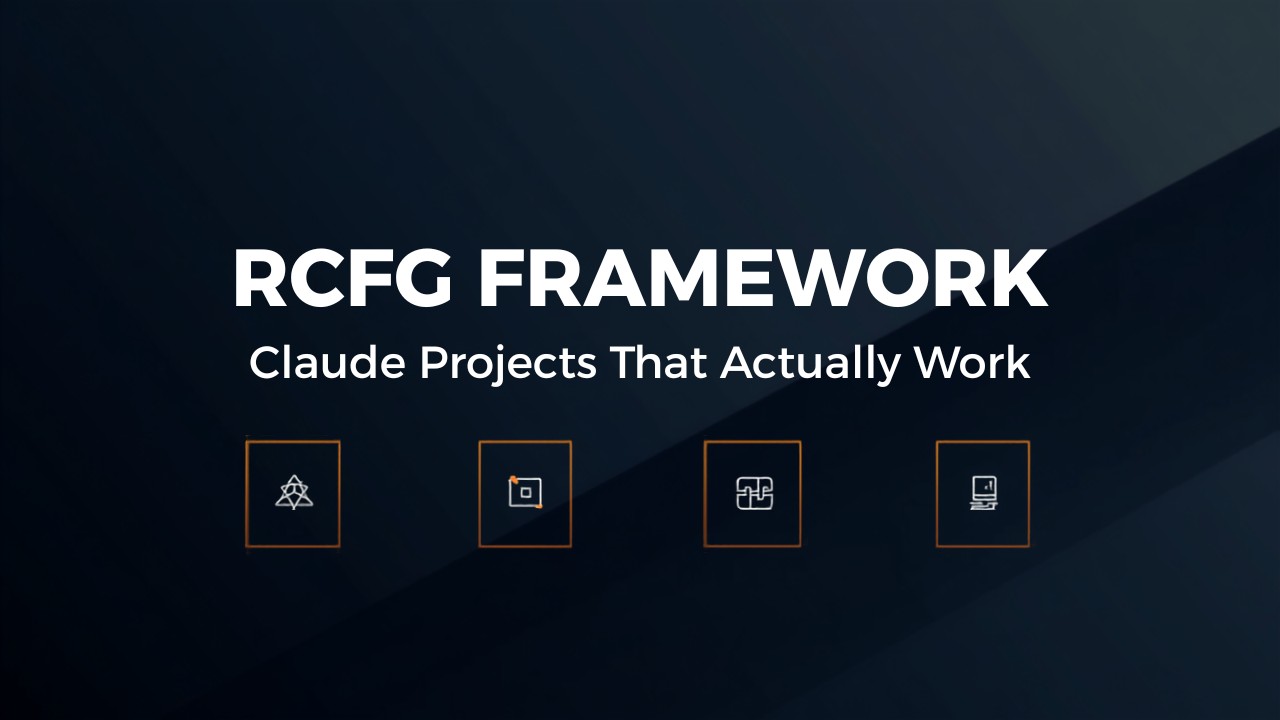
The Claude Projects Framework: RCFG
Role
Role defines who Claude is inside the project — not a generic AI assistant, but something specific, like a senior account manager at a 30-person marketing agency. It sets the vocabulary, the default judgment, and the tone. Get it wrong, and every output drifts toward Claude’s default voice instead of yours.
Context
Context is the standing facts: who the client is, what the inputs look like, and what Claude should assume is true every time it opens the project. This is everything you’d otherwise re-explain in every prompt, pulled out of the conversation and placed in the container once.
Format
Format is the exact shape of the output — structure, length, headings, what to include, and what to leave out. “Make it professional” isn’t a format. A two-sentence summary, a metric table, and three bullet points under 250 words is a format.
Guardrails
Guardrails tell Claude what not to do, when to stop and ask instead of guess, and remind it that a human reviews the output before anything goes out. Skipping this step feels like removing friction, but a brief without guardrails will confidently invent something when the data is missing. This four-part brief is what separates a working Claude Projects framework from a slightly fancier prompt.
Example: From Framework to Finished Blog Post
Here’s how this looks in practice. Start a new project and write instructions covering all four parts: a blog editor role, context about your audience and transcript source, a required post structure with SEO metadata, and guardrails against inventing statistics or drifting from your voice.
Next, upload knowledge files — a few previous posts so Claude learns your actual writing style instead of a default tone. Paste in a transcript and video link, and Claude pulls in the project context before generating anything.
The guardrails matter here. Claude flags inferred sections — a name pulled from a garbled auto-transcript, or a claim the source never actually supports — so you catch them before publishing. That review step is what turns a one-to-two-hour task into something closer to fifteen or twenty minutes.
Key Takeaways
- A Claude project is a container, not a folder, and it makes output consistent regardless of who runs it or how they’re feeling that day.
- The real leverage lives in the instructions, not the knowledge files, so spend your time writing the brief instead of just uploading documents.
- The RCFG framework covers role, context, format, and guardrails, and skipping any one of the four leaves your output inconsistent.
- Guardrails aren’t optional friction — they’re what stops Claude from confidently inventing an answer when the data is missing.
- A well-written brief turns a repeatable task into a reusable asset that works the same way for you or for a teammate.
Conclusion
A Claude Projects framework isn’t about better prompting — it’s about removing the need to prompt well every single time. Write the role, context, format, and guardrails once, and the tenth run looks just like the first. Skip that work, and a project is just a slightly fancier prompt with extra steps.