Stop Repeating Yourself: The Complete Guide to GitHub Copilot Custom Instructions
If you use GitHub Copilot daily, you’ve probably caught yourself typing the same boilerplate context over and over: “I’m using TypeScript with React”, “follow our team’s naming conventions”, “always write unit tests with Jest.”
It’s tedious — and completely unnecessary.
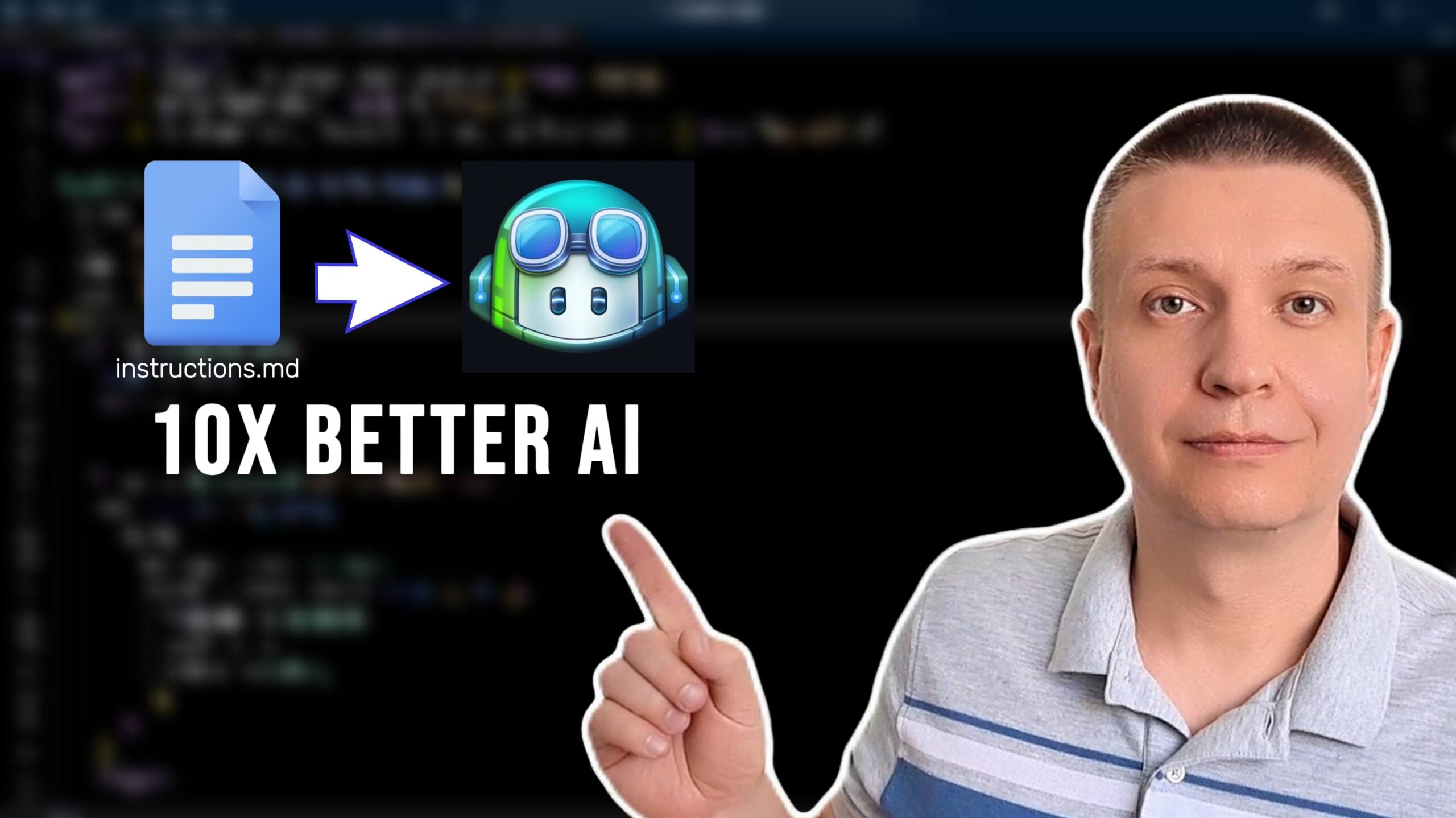
GitHub Copilot Custom Instructions solve this problem by letting you define persistent context that’s automatically injected into every Copilot request. Set it up once, and Copilot always knows how you work.
In this guide, we’ll cover everything you need to know: what custom instructions are, the 5 types available, how to set them up, and best practices to get the most out of them.
What Are GitHub Copilot Custom Instructions?
Custom instructions are a way to give GitHub Copilot reusable, persistent context about your project, team standards, or personal preferences. They’re written in plain Markdown and automatically injected into Copilot’s context — invisible in the chat, but always present.
Think of it like onboarding documentation for a new developer. Instead of explaining your standards in every code review, you hand them a guide. Custom instructions are that guide — but for Copilot.
The 5 Types of Custom Instructions
1. Repository Instructions
The most widely used type. Create a file at:
.github/copilot-instructions.md
This applies to everyone working in that repository and is ideal for team-wide coding standards, preferred frameworks, and architecture guidelines.
Example:
This project uses TypeScript with React.
Always use functional components and React hooks.
Write unit tests using Vitest.
Follow the Airbnb style guide.
2. Path-Specific Instructions
Place NAME.instructions.md files inside .github/instructions/ with a frontmatter applyTo glob pattern to target specific file types.
Example:
---
applyTo: "**/*.ts,**/*.tsx"
---
Always use explicit return types on TypeScript functions.
Avoid using `any` type.
Prefer interfaces over type aliases for object shapes.
3. Personal Instructions
Scoped to you individually — not tied to any repo. Configure these in your GitHub Settings under the Copilot section. Use these for your personal preferences across all projects.
4. Organization Instructions
Organization admins can define instructions that apply to all Copilot users across the entire organization. Perfect for enforcing company-wide coding standards or compliance rules.
5. Local Instructions
Create a file at ~/.copilot/copilot-instructions.md for instructions that only apply on your local machine and are never committed to any repository.
How to Set Up Repository Instructions (Step-by-Step)
Step 1: Create the .github directory if it doesn’t exist.
mkdir -p .github
Step 2: Create the instructions file.
touch .github/copilot-instructions.md
Step 3: Write your instructions in plain Markdown.
This is a Next.js 14 project using App Router and TypeScript.
Always use server components by default.
Use Tailwind CSS for styling — never write plain CSS.
All API calls should use the native fetch API with error handling.
Follow conventional commits specification.
Step 4: Commit and push.
git add .github/copilot-instructions.md
git commit -m "chore: add Copilot custom instructions"
git push
That’s it. Changes take effect immediately.
Best Practices
- ✅ Be specific — vague instructions lead to vague results
- ✅ Use bullet points — easier for Copilot to parse
- ✅ Avoid conflicts — multiple instruction files shouldn’t contradict each other
- ✅ Update regularly — keep instructions current as your project evolves
- ✅ Think like onboarding docs — what would a new dev need to know?
- ❌ Never include sensitive data — instructions live in your repo
Key Takeaways
- Custom instructions eliminate repetitive context-setting in Copilot chats
- There are 5 types: repository, path-specific, personal, organization, and local
- Repository instructions benefit your entire team automatically
- Path-specific instructions allow fine-grained control by file type
- Instructions are written in plain Markdown — no special syntax required
Conclusion
GitHub Copilot Custom Instructions are one of the highest ROI features available to developers today. A few minutes of setup translates into permanently better, more relevant AI assistance — for you and your entire team.
Start with a simple .github/copilot-instructions.md file, describe your stack and standards, and watch the quality of Copilot’s responses transform immediately.