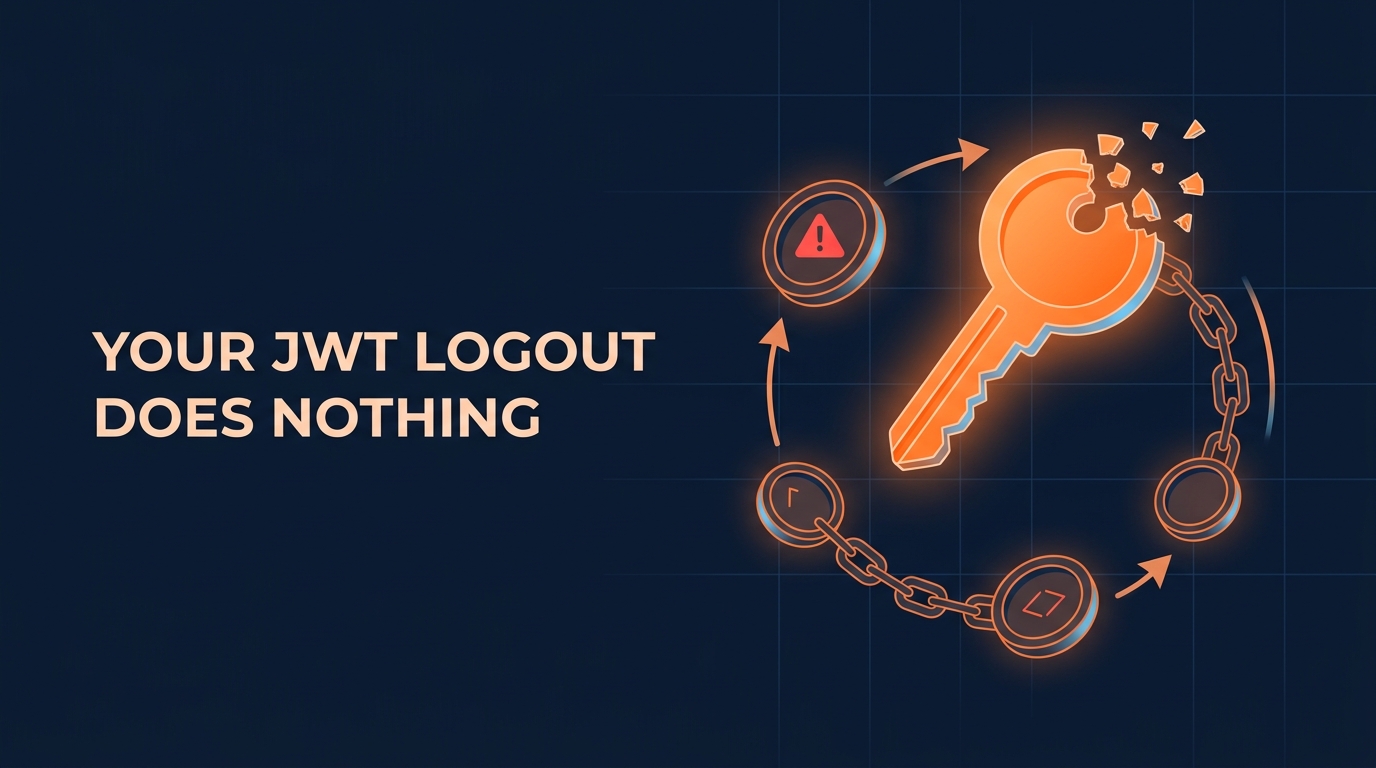
JWT Logout Does Nothing: Refresh Token Rotation Fixes It
I logged into my app, made a few authenticated requests, and logged out. Then I sent the same token again, and the requests still worked. That isn’t a bug in my code. It’s how JWT auth behaves in most tutorials, and probably in the one you shipped. The server stores nothing about the token, so it can’t know the token is dead. If someone steals it, you can’t stop them. Here’s how I fixed it with refresh token rotation, plus the part that breaks.
Why logging out does nothing
Here’s my starting setup. Middleware verifies the JWT, and the token logic lives in token.ts. The access token lasts 7 days. For those 7 days, whoever holds the token owns the account.
The logout handler is theater. It returns a 200 with { "ok": true } and does nothing else. The token lives outside the server, and the server keeps no record of it. It checks the signature, the signature is valid, and it answers.
The obvious fix is a shorter expiry. Drop it from 7 days to 15 minutes and the attack window shrinks. Now your users have to log in again every 15 minutes, and nobody wants that. We need a second token.
How refresh token rotation works
The pattern is access tokens plus refresh tokens. The piece people skip is rotation.
Two tokens, two jobs
The access token lives about 15 minutes. It’s stateless, and the server never checks it against the database. That makes it fast, and it also makes it impossible to revoke. I accept that trade because the token dies on its own quickly.
The refresh token lives much longer, but it’s a row in your database. Its only job is to hand out new access tokens. Since it’s a row, you can delete it. Deleting it is what logout actually means.
Refresh token rotation makes each refresh token single-use. When the client spends one, the server marks it used and issues a new one. If a used token shows up again, either you have a bug or two parties hold the same token. The server can’t tell which one is the attacker. So it revokes the whole family and forces a fresh login. That’s reuse detection. It doesn’t prevent theft. It catches the theft the moment either party uses the token twice.
Store refresh tokens hashed
I asked Claude Code for a Prisma model with an account relation, an expiry, a usedAt timestamp, and a family ID. The family ID groups every token that descends from one login.
Claude also stored the tokens hashed. I didn’t ask for that, but it’s the right call. This table holds credentials. If someone reads it through SQL injection or a leaked backup, they get every live session in your system. Hash the tokens, and a stolen table is worthless. You look a token up by hashing the incoming value, the same way you check a password.
model RefreshToken {
  id        String    @id @default(uuid())
  tokenHash String    @unique
  familyId  String
  accountId String
  account   Account   @relation(fields: [accountId], references: [id])
  expiresAt DateTime
  usedAt    DateTime?
  createdAt DateTime  @default(now())

  @@index([familyId])
}
The login handler now returns both tokens plus expiresIn: 900, which is 15 minutes in seconds. The client needs that number to know when to refresh. Making it decode the JWT to find out is bad practice.
The race condition that logs out real users
Here’s the part other explainers skip. A real front end fires several requests at once. The access token expires, all of them get a 401, and all of them hit the refresh endpoint with the same refresh token within milliseconds. One wins. The rest look exactly like a stolen token.
You have two ways out. A client-side queue keeps only one refresh in flight. That closes the race with no hole, but every client has to keep that discipline forever, including the mobile app someone writes next year. The other option is a small server-side hole – a grace window. I went server-side. Whichever you pick, write down the choice and the options you rejected. An architectural decision record, or ADR, works well for that.
The fix is a grace window. For 10 seconds after the server consumes a token, presenting it again returns the exact pair already issued for that rotation. It doesn’t trigger reuse detection or mint another pair. With the grace window in place, all five requests came back with a 200. You can shorten the window for tighter security.
Reuse outside that window still kills the whole family. I refreshed once, waited out the 10 seconds, and sent the old token. The server rejected it. Then it rejected the current rotated token too. The real user gets kicked out, and so does the attacker.
const GRACE_WINDOW_MS = 10_000;

export async function rotateRefreshToken(presented: string) {
  const token = await prisma.refreshToken.findUnique({
    where: { tokenHash: hashToken(presented) },
  });

  if (!token || token.expiresAt < new Date()) {
    throw new UnauthorizedError();
  }

  if (token.usedAt) {
    const age = Date.now() - token.usedAt.getTime();
    if (age <= GRACE_WINDOW_MS) {
      // Parallel request from the same client: hand back the same pair
      return getPairIssuedFor(token.id);
    }
    // Real reuse: revoke every token from this login
    await prisma.refreshToken.deleteMany({ where: { familyId: token.familyId } });
    throw new UnauthorizedError();
  }

  // Mark used only if nobody beat us to it
  const { count } = await prisma.refreshToken.updateMany({
    where: { id: token.id, usedAt: null },
    data: { usedAt: new Date() },
  });
  if (count === 0) {
    // A parallel request just won the claim: return its pair
    return getPairIssuedFor(token.id);
  }

  return issueTokenPair(token.accountId, token.familyId);
}
Make logout a delete, then test it
With refresh tokens in the database, logout can finally mean something. The logout route now requires the refresh token and deletes its whole family. After logout, the refresh endpoint rejects the token. The access token still works for up to 15 minutes. That beats 7 days, and when it expires there’s no new one to get.
router.post("/logout", async (req, res) => {
  const token = await prisma.refreshToken.findUnique({
    where: { tokenHash: hashToken(req.body.refreshToken) },
  });

  if (token) {
    await prisma.refreshToken.deleteMany({ where: { familyId: token.familyId } });
  }

  res.json({ ok: true });
});
Then I asked Claude Code for tests covering rotation, reuse revocation, the grace window, and expiry. This is what coding agents are good for. Lots of cases, simple logic, tedious enough to delegate. All the tests passed.
Now read them. Does the grace window test actually wait past the window? If it doesn’t, it passes for the wrong reason. It will keep passing after you break revocation. Break the thing a test checks and confirm it goes red. If you can’t make a test fail, you don’t know what it checks.
It is important to be honest about the cost too. Every refresh costs a database round trip. That’s once per 15 minutes per active session, not once per request. A stolen token still works during the 10-second grace window. The access token stays unrevocable for its whole lifetime, so make access token lifetime short.
Key takeaways
- A logout that only clears client state doesn’t log anyone out, because the server has nothing to delete.
- Short-lived access tokens cap the damage from a stolen token at about 15 minutes.
- A refresh token stored as a database row gives you something you can actually revoke.
- Single-use refresh tokens turn reuse into a theft signal, and revoking the whole family locks out the attacker.
- Parallel refreshes from a normal front end look like theft, so fire five refreshes at once before you ship.
Conclusion
A JWT on its own can’t make logout real. A refresh token stored in your database can. Start small. Open your logout handler, add a refresh tokens table, make logout a delete, and write one test that logs out and then tries to refresh. Add refresh token rotation and reuse detection once that table exists, and read every test your agent writes.