Debugging Webhooks
A webhook is an HTTP callback, that occurs when something happens (a resource changes its state). Webhooks provide a way to build event-driven apps, because you can be notified about changes.
Since webhooks require a publicly accessible URL to function they can be hard to test from your local machine. There are three main problems a developer faces when debugging a webhook:
- HTTPS is required. Although not all services, but most of them nowadays require a secure protocol. Not many developers have certificates installed on their dev environments.
- Webhooks are sent to public URLs. It may take some work to expose your local webservice on the public internet.
- It takes some time to create a state of a resource to reproduce a webhook. For example if you are debugging a webhook that is sent when order is created in Shopify every time you want to resend a webhook, you have to create a new order.
Mailrom Tools (Mailroom server and Mailroom Clerk client) help you solve those problems.
Usage
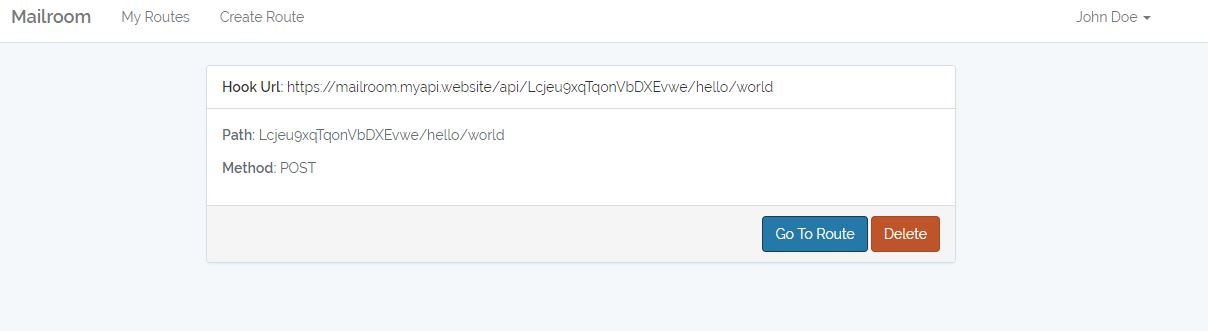
Create an account on Mailroom server. After logging in, create a route. Register “Hook URL” with a remote service that is going to send you webhooks, or use an app for interacting with HTTP APIs, such as Postman, to send requests to created “Hook URL”.
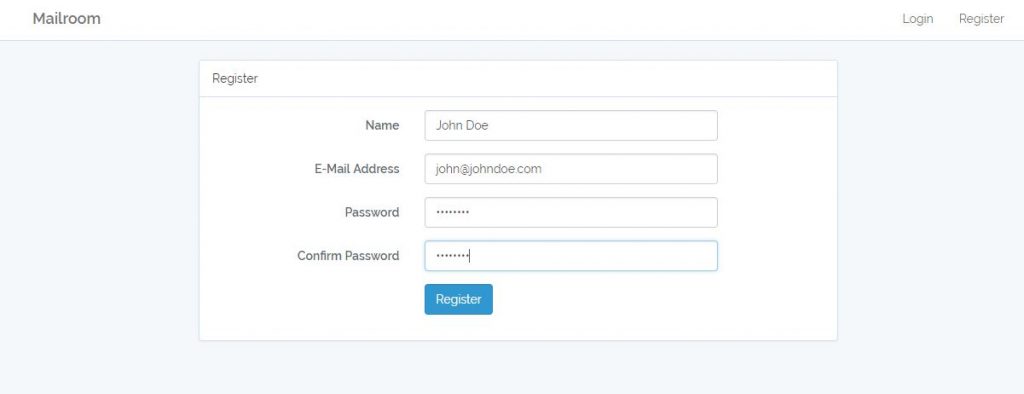
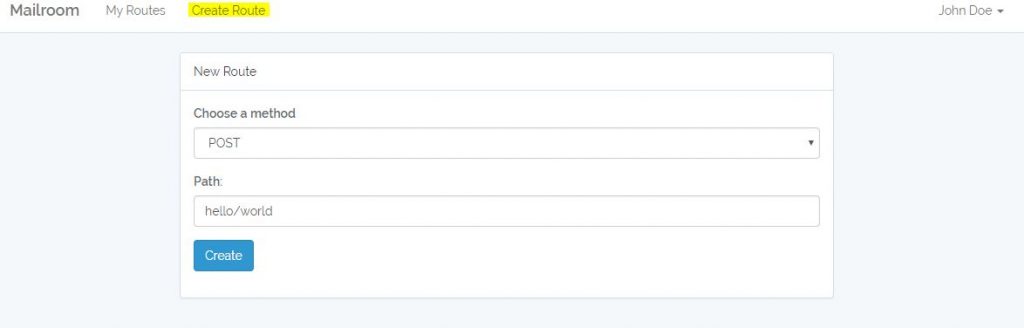
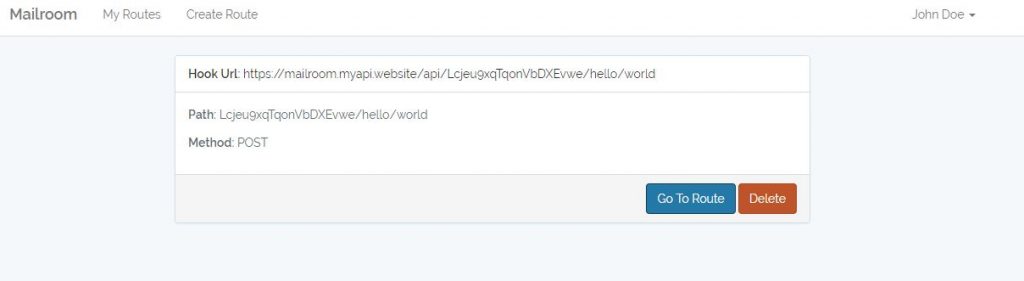
The above screen shots show how to create a route in Mailroom app that will record POST requests. Let’s use Postman to send a POST request to the created route, simulating a app sending a webhook.
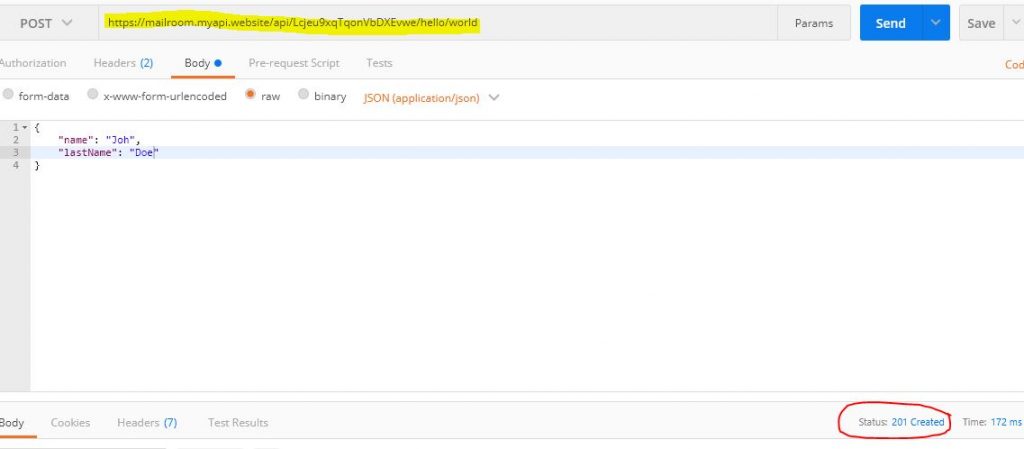
We receive a “201 Created” status response from Mailroom app. Now if we log back in Mailroom app and click on “My Routes” in header menu, we will see the recorded request we sent from Postman.
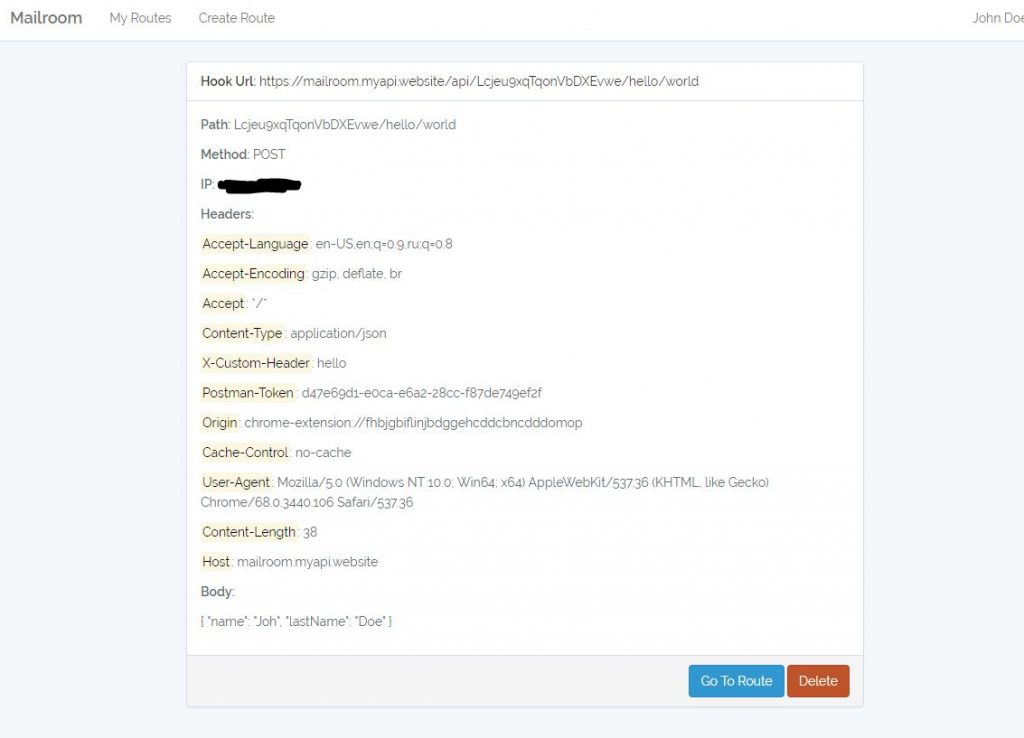
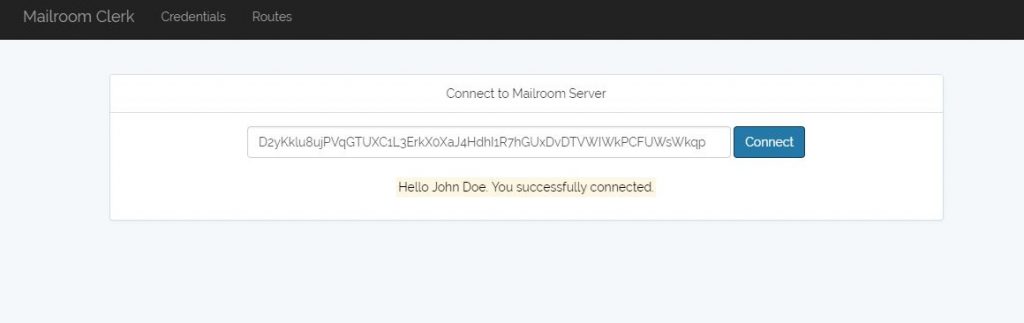
In order to get this recorded request in our local dev environment we can use Mailroom Clerk, a client for Mailroom app. Download an application package for your system from https://blog.alexrusin.com/mailroom-clerk or install the source code from github https://github.com/alexrusin/mailroom-clerk. Enter your account’s API key to connect to Mailroom server.
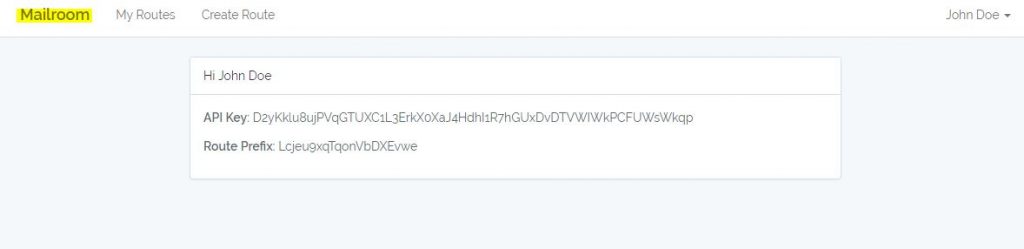
The key can be found by clicking on “Mailroom” in the header of Mairoom server app.
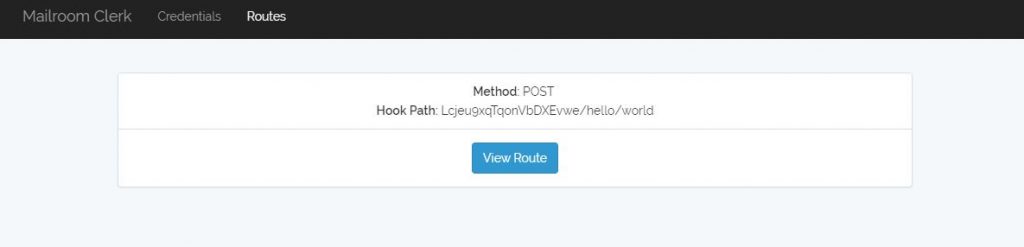
Now when you click on the “Routes” in top menu of Mairoom Clerk, you can see the route we created earlier.
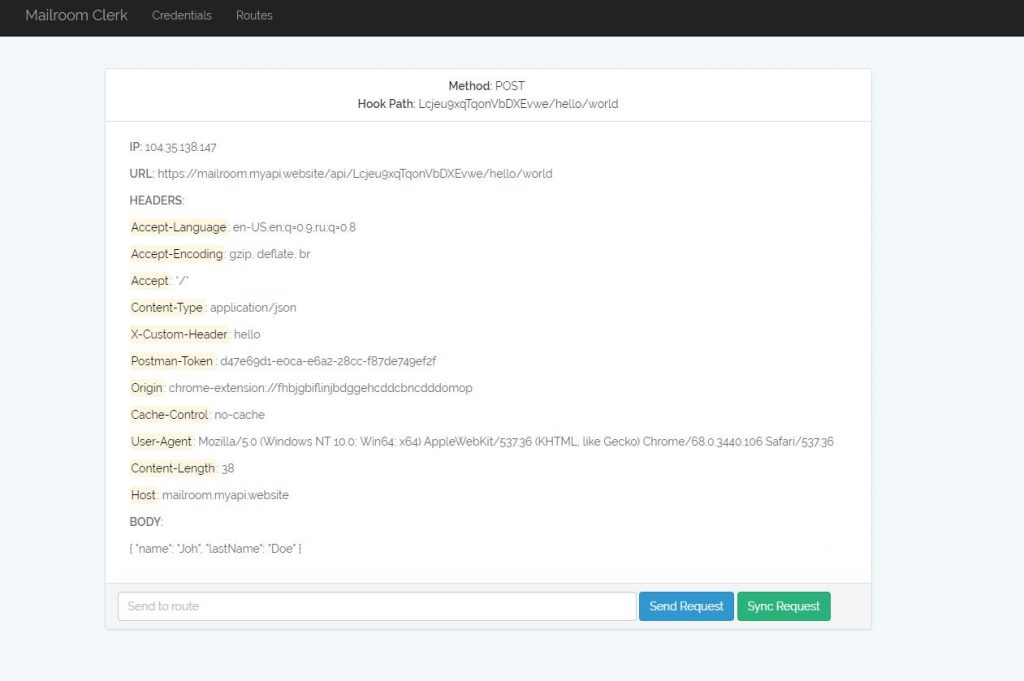
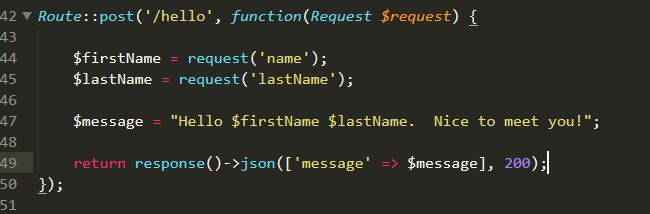
Now let’s create an endpoint on our local machine that will process this request.
After sending a request to the endpoint we created, we get a response back
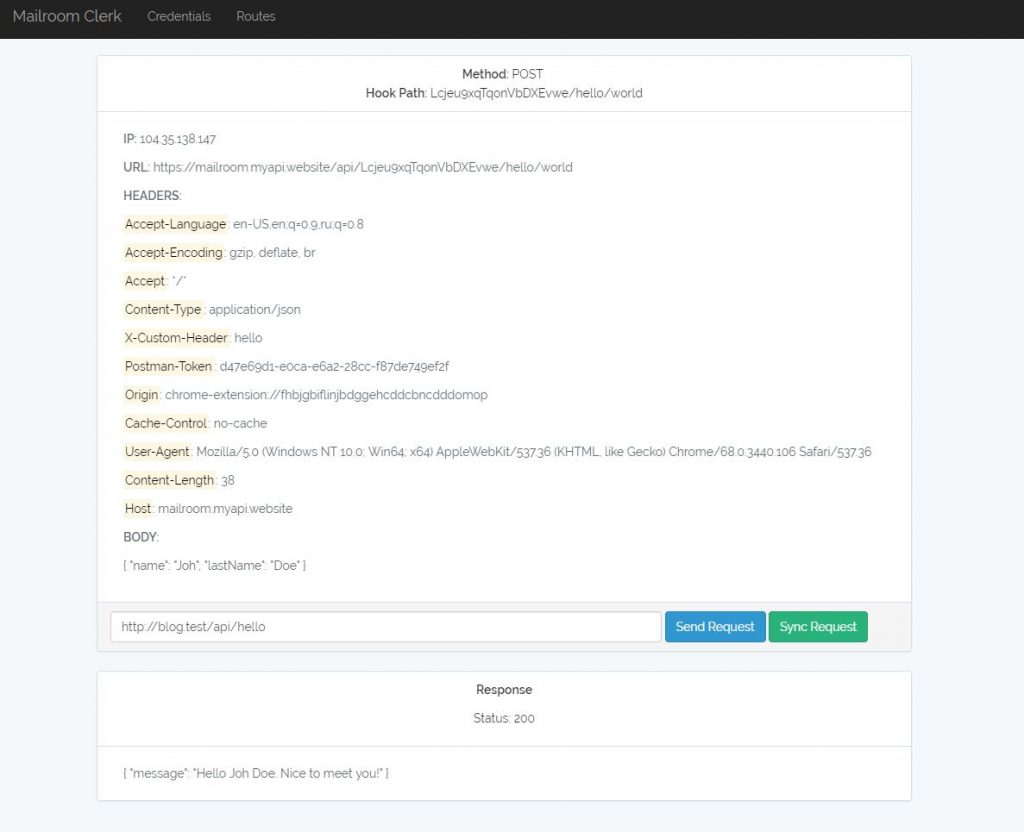
This is how you can use Mailroom and Mailroom Client to debug webhooks.