Building a REST API with Node.js, Express & Sequelize (Step-by-Step Guide)
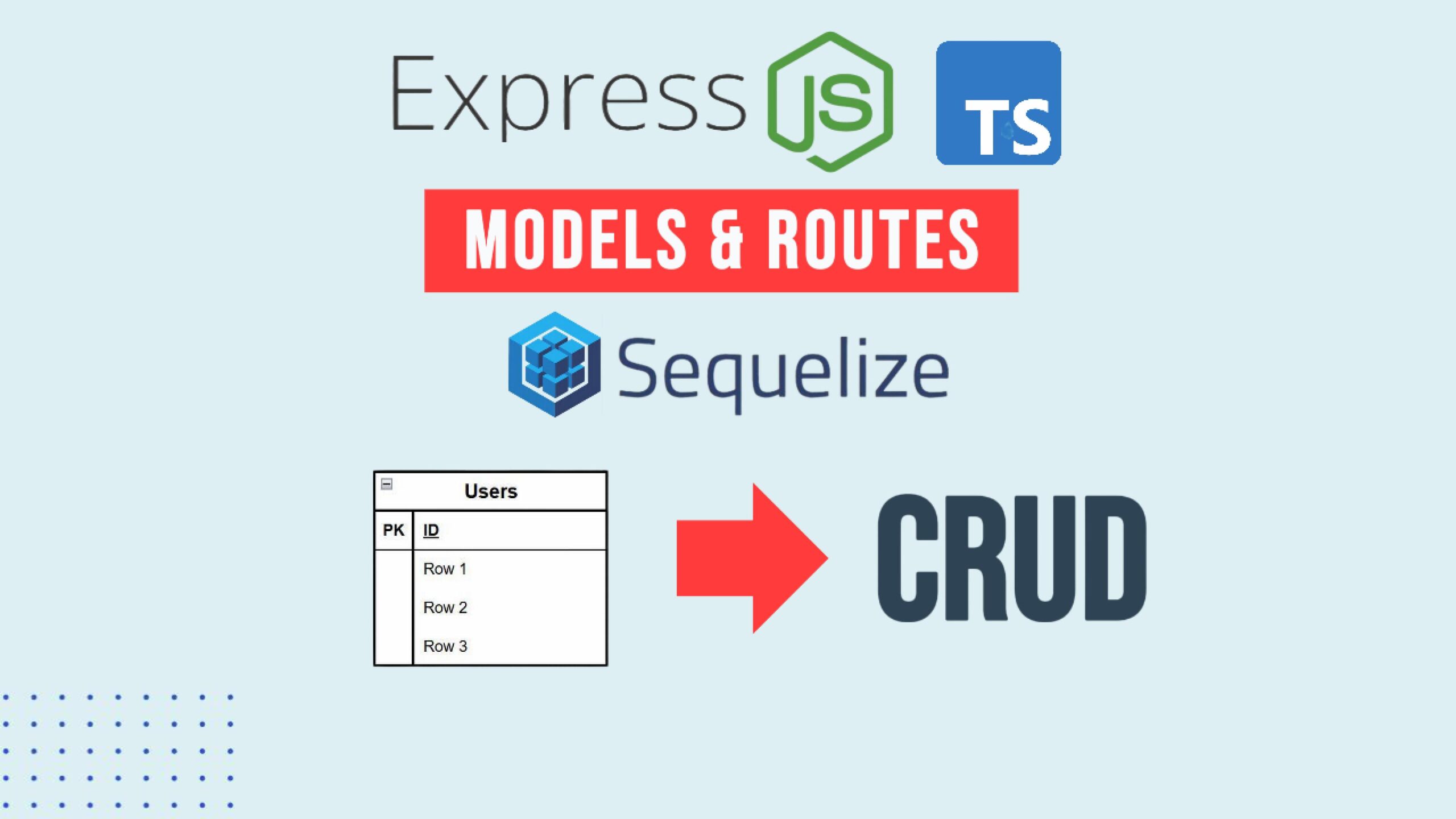
In this tutorial, we’ll build a complete User REST API using:
- Node.js
- Express
- Sequelize + sequelize-typescript
- TypeScript
We’ll cover:
- REST fundamentals
- Defining a Sequelize model
- Repository pattern with mixins
- Express routes
- CRUD operations
- Hiding fields from API responses
Let’s get started 🚀
🚀 Complete JavaScript Guide (Beginner + Advanced)
🚀 NodeJS – The Complete Guide (MVC, REST APIs, GraphQL, Deno)
What Is REST?
REST (Representational State Transfer) uses HTTP methods to manipulate resources.
In our case, the resource is:
usersHTTP methods we’ll implement:
GET /users→ List usersGET /users/:id→ Get single userPOST /users→ Create userPUT /users/:id→ Update userDELETE /users/:id→ Delete user
Step 1 — Define the User Model
We’ll use sequelize-typescript decorators.
📁 src/data/models/user.ts
import {
  Table,
  Column,
  Model,
  DataType,
  Unique,
  CreatedAt,
  UpdatedAt
} from "sequelize-typescript";
import {
  CreationOptional,
  InferAttributes,
  InferCreationAttributes
} from "sequelize";@Table({
  tableName: "users",
  modelName: "User"
})
export default class User extends Model<
  InferAttributes<User>,
  InferCreationAttributes<User>
> {
  @Column({
    type: DataType.BIGINT,
    primaryKey: true,
    autoIncrement: true
  })
  declare id: CreationOptional<number>;  @Column(DataType.STRING)
  declare name: string;  @Unique
  @Column(DataType.STRING)
  declare email: string;  @CreatedAt
  declare createdAt: CreationOptional<Date>;  @UpdatedAt
  declare updatedAt: CreationOptional<Date>;  // Hide fields from API response
  toJSON() {
    const values = { ...this.get() } as any;
    delete values.createdAt;
    delete values.updatedAt;
    return values;
  }
}
Naming Conventions
- Tables → plural, snake_case
- Models → singular, PascalCase
Consistency matters.
Step 2 — Register Models with Sequelize
In your Sequelize configuration:
models: [__dirname + "/models"]
This allows Sequelize to automatically load models from the folder.
Step 3 — Sync the Database
Instead of migrations (for small projects), we can use sync().
📁 src/index.ts
await sequelize.sync()
  .then(() => {
    console.log("Successfully migrated tables");
  })
  .catch((err) => {
    console.error("Failed to migrate tables", err);
  });
Make sure your database is running:
docker compose up -d
npm run dev
Step 4 — Create a Base Repository
📁 src/data/repository/base.repository.ts
export default class BaseRepository {
  protected defaultLimit = 100;
}export type Constructor<T = {}> = new (...args: any[]) => T;
We’ll use a mixin pattern to extend this base.
Step 5 — Create User Repository (Mixin Pattern)
📁 src/data/repository/addUserRepository.ts
import User from "../models/user";
import BaseRepository, { Constructor } from "./base.repository";export function AddUserRepository<TBase extends Constructor<BaseRepository>>(Base: TBase) {
  return class extends Base {    async getUsers() {
      return User.findAll({
        limit: this.defaultLimit
      });
    }    async getUser(id: number) {
      return User.findByPk(id);
    }    async createUser(name: string, email: string) {
      return User.create({ name, email });
    }    async updateUser(id: number, attrs: { name?: string; email?: string }) {
      const user = await this.getUser(id);      if (!user) {
        throw new Error("User not found");
      }      Object.entries(attrs)
        .filter(([_, value]) => value !== undefined)
        .forEach(([key, value]) => {
          (user as any)[key] = value;
        });      await user.save();      return user;
    }    async deleteUser(id: number) {
      return User.destroy({
        where: { id }
      });
    }
  };
}
Step 6 — Combine Repositories
📁 src/data/repository/index.ts
import BaseRepository from "./base.repository";
import { AddUserRepository } from "./addUserRepository";const CombinedRepository = AddUserRepository(BaseRepository);export default new CombinedRepository();
Now our repository is ready.
Step 7 — Create Express Routes
📁 src/routes/user.ts
import { Express, Request, Response } from "express";
import repository from "../data/repository";export function createUserRoutes(app: Express) {  app.get("/users", async (_: Request, res: Response) => {
    const users = await repository.getUsers();
    res.json(users);
  });  app.get("/users/:id", async (req: Request, res: Response) => {
    const id = parseInt(req.params.id);
    const user = await repository.getUser(id);    res.json(user);
  });  app.post("/users", async (req: Request, res: Response) => {
    try {
      const { name, email } = req.body;
      const user = await repository.createUser(name, email);
      res.json(user);
    } catch (err) {
      console.error(err);
      res.status(400).json({ error: "Failed to create user" });
    }
  });  app.put("/users/:id", async (req: Request, res: Response) => {
    try {
      const id = parseInt(req.params.id);
      const updated = await repository.updateUser(id, req.body);
      res.json(updated);
    } catch (err) {
      console.error(err);
      res.status(400).json({ error: "Failed to update user" });
    }
  });  app.delete("/users/:id", async (req: Request, res: Response) => {
    const id = parseInt(req.params.id);
    const result = await repository.deleteUser(id);
    res.json({ deleted: result });
  });
}
Step 8 — Register Routes
📁 src/routes/index.ts
import { Express } from "express";
import { createUserRoutes } from "./user";export function createRoutes(app: Express) {
  createUserRoutes(app);
}
📁 src/server.ts
import express from "express";
import { createRoutes } from "./routes";export function createServer() {
  const app = express();  app.use(express.json());  createRoutes(app);  return app;
}
Testing the API
Get all users
GET /users
Returns:
[]
Create a user
POST /users
Content-Type: application/json
Body:
{
  "name": "John",
  "email": "john@example.com"
}
Update a user
PUT /users/1
Body:
{
  "name": "Johnny"
}
Delete a user
DELETE /users/1
Response:
{
  "deleted": 1
}
Important Notes
✅ Always send:
Content-Type: application/json
or Express won’t parse the request body.
✅ When updating records, I prefer:
- Fetch record
- Modify properties
- Call
.save()
This gives better control and cleaner error handling.
Final Thoughts
We now have a fully working REST API with:
- Clean Sequelize models
- Repository pattern
- Full CRUD operations
- Controlled API responses
- Proper HTTP semantics
This architecture scales easily to additional resources like:
- posts
- comments
- orders
Next step?
Add validation and improve error handling using Sequelize’s built-in validation features.
If you found this helpful, consider building your next API with a structured approach instead of jumping straight into route handlers.
Architecture always wins long-term.